Expo Go vs Development Builds: When to Switch, How to Set It Up and What Changes
Seeing "native module not found" or "this library doesn't work in Expo Go"? Here's what Expo Go actually is, the signs you've outgrown it, and how to move to a development build without slowing your workflow down.
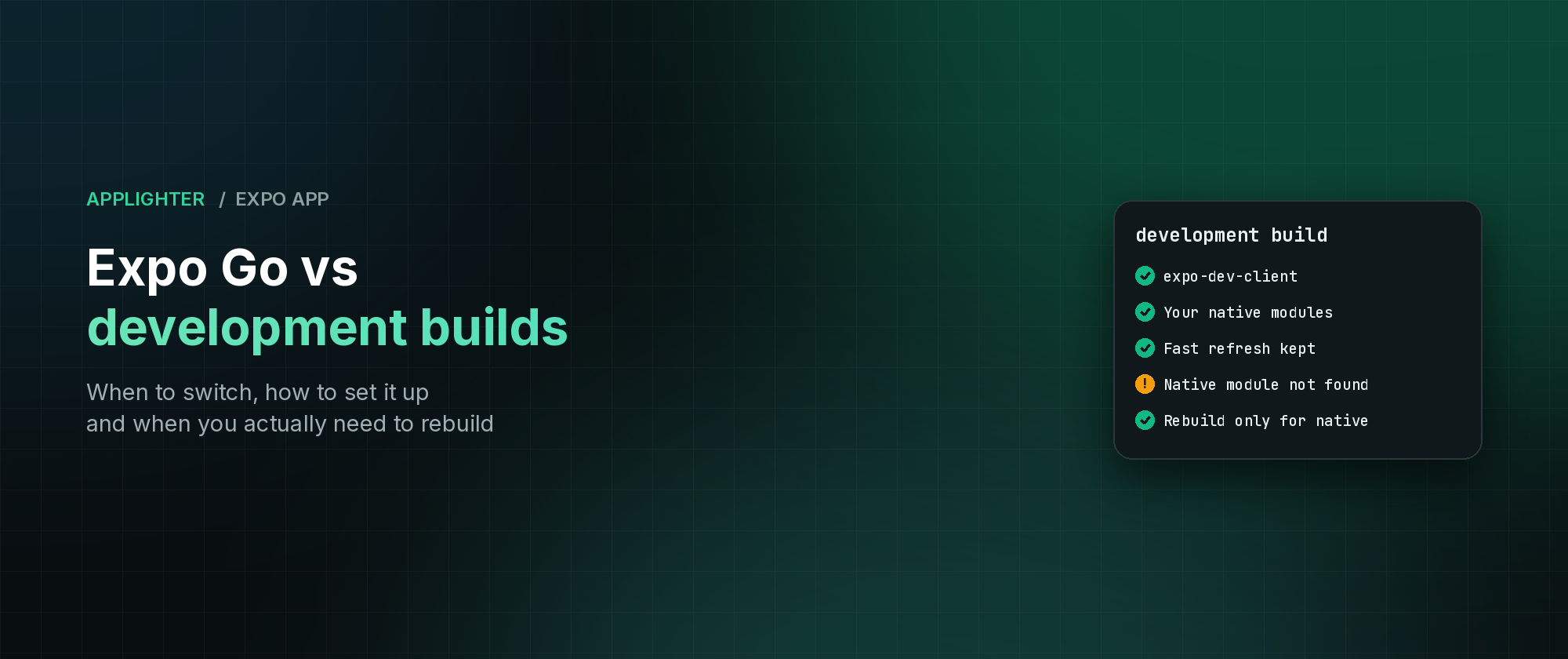
Expo Go is a prebuilt app with a fixed set of native modules, perfect for learning and prototypes. A development build is your app, with your app's native modules and configuration, plus the same fast JavaScript reloading. Switch when you add a library with native code that Expo Go doesn't include, need push notifications, payments or custom native config, or want to test exactly what you'll ship. Install expo-dev-client, build once with EAS (or locally), and only rebuild when native code or config changes.
Almost every Expo project starts in Expo Go: scan a QR code and your app is running on your phone. Then one day you install a library and the app crashes with an error about a native module that can't be found. That's not a bug in your code. It's the moment you've outgrown Expo Go.
What is Expo Go, exactly?
Expo Go is an app from the App Store and Google Play that already contains a fixed collection of native modules (the Expo SDK and a set of common libraries). When you run npx expo start, Expo Go loads your JavaScript and runs it on top of its own native code.
That's why it's so fast to start, and also its limit: if your JavaScript needs native code that Expo Go doesn't contain, there's nothing for it to call.
What is a development build?
A development build is your own app, compiled with:
- Your app's native modules, including any library you add.
- Your app's native configuration: name, icon, bundle identifier, permissions, URL scheme, config plugins.
expo-dev-client, which adds the developer menu and lets the app load your JavaScript from the dev server, just like Expo Go.
So you keep the fast refresh workflow, but the native side is exactly your app's, the same as what you'll eventually ship.
How do I know it's time to switch?
Common signs:
- Errors like "native module not found", "requireNativeComponent: … was not found in the UIManager" or "TurboModuleRegistry … could not be found" after installing a library. The library has native code Expo Go doesn't include.
- Push notifications. Remote push isn't supported in Expo Go on Android in recent SDKs, and you'll want your real app's credentials anyway.
- Payments, Apple Pay, Google Pay or in-app purchase SDKs.
- Native configuration changes: a custom URL scheme for deep links, associated domains, config plugins, permission strings or app icons you want to test.
- Libraries that say "requires a development build" in their documentation.
- You want to test what users will get, with your real app name, icon and native behavior.
If none of these apply yet, Expo Go is still a great place to be.
How do I create a development build?
1. Install the dev client
npx expo install expo-dev-client
2. Add a development profile to eas.json
{
  "build": {
    "development": {
      "developmentClient": true,
      "distribution": "internal"
    },
    "development-simulator": {
      "developmentClient": true,
      "distribution": "internal",
      "ios": {
        "simulator": true
      }
    }
  }
}
3. Build it
# For an iOS simulator (no device registration needed)
eas build --profile development-simulator --platform ios

# For real devices
eas device:create          # register iPhones for internal distribution
eas build --profile development --platform all
EAS builds in the cloud, so you don't need Xcode or Android Studio installed. When the build finishes, install it from the link or QR code EAS gives you.
If you'd rather build locally, npx expo run:ios (with Xcode) and npx expo run:android (with Android Studio) create and install a development build on a simulator, emulator or connected device.
4. Start the dev server as usual
npx expo start
With expo-dev-client installed, the CLI targets your development build. Open your app (not Expo Go) on the phone and connect to the server. From here, editing JavaScript works exactly as before.
Do I need to rebuild every time I change something?
No, and this is the part that makes development builds practical.
No rebuild needed for JavaScript and TypeScript changes, styling, screens and logic, and most assets. These reload instantly, just like in Expo Go.
Rebuild needed when you:
- Add, remove or upgrade a library with native code.
- Change native configuration in
app.jsonorapp.config(permissions, plugins, scheme, icons, bundle ID). - Upgrade the Expo SDK.
A simple rule: if you ran npx expo install for a package with native code, or changed anything under ios, android or plugins in your config, make a new build. Otherwise, keep going.
How does a team share development builds?
Build once, share many times:
- Internal distribution builds give you an install link teammates can open on registered iPhones and any Android phone.
- Everyone runs the same build and points it at their own dev server.
- Rebuild (and reshare) only when native code changes. Announcing "new dev build, please reinstall" in your team chat avoids confusing errors from old builds.
What's the difference between a development build and a preview build?
- Development build: includes the developer menu and loads JavaScript from your dev server. For building the app.
- Preview build (internal distribution, no dev client): a release-like build with the JavaScript bundled in. For testers and stakeholders who just want to use the app.
- Production build: what goes to the App Store and Google Play.
Most teams keep all three profiles in eas.json.
Common problems after switching
- "Still opening in Expo Go": make sure you open your installed app, not Expo Go, and that
expo-dev-clientis installed. - "Native module not found" in the dev build: the build was made before you installed the library. Rebuild.
- Can't install on an iPhone: the device wasn't registered before the build. Run
eas device:create, then rebuild. - Can't connect to the dev server: phone and computer need to be on the same network, or use a tunnel (
npx expo start --tunnel). - Teammates seeing different errors: someone is on an old build. Share the latest build link.
Should I ever go back to Expo Go?
For quick experiments, demos of a new idea or learning, absolutely. Many developers keep a separate scratch project for Expo Go. But once a real app has native dependencies, the development build becomes the app you live in day to day.
Checklist
- Install
expo-dev-client. - Add development (and simulator) profiles to
eas.json. - Register iPhones with
eas device:create. - Build with EAS, or locally with
npx expo run:ios/run:android. - Start the dev server and open your app, not Expo Go.
- Rebuild only when native code or native config changes.
Conclusion
Expo Go is the fastest way to start, and a development build is the natural next step once your app needs native code of its own. The switch takes one install and one build, keeps the same instant JavaScript reloading, and means every test runs on the same native foundation you'll ship.
When did you outgrow Expo Go? Was it a library, push notifications or something else? Share it in the comments.
About the author
- Full Stack Developer. Building end-to-end products that just work.
Comments
Join the discussionNo comments yet. Be the first to comment.